
Home >> cPanel >> Upgrade to Latest Version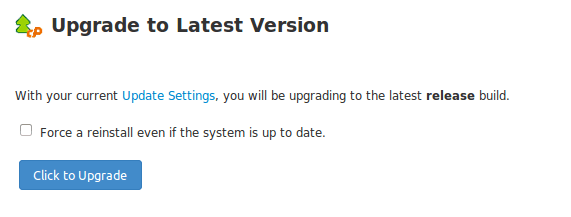
Click on the ‘Click to Upgrade’ button. If installation is already updated, you can check the tick box ‘Force a reinstall even if the system is up to date’.
There is another very useful option:
Go to WHM >> Server Configuration >> Update Preferences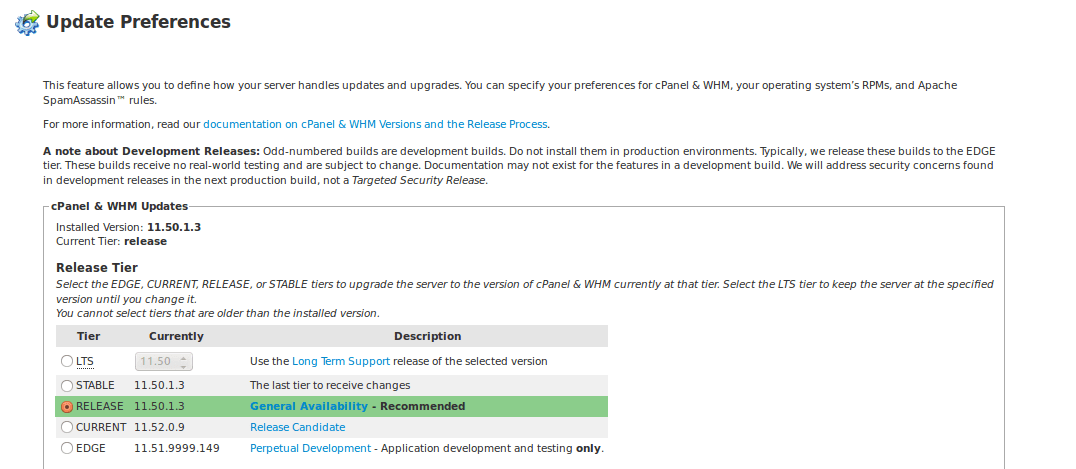
You can select the preferred version from the list of available ones and click save. Next time you update cPanel, this preferred version will be installed.