
Installation Requirements
- Centos 7 VPS
- Minimum of 1GB RAM (2GB RAM is recommended)
- Minimum 20GB disk space (40GB recommended)
- cPanel license
And install
To hostname configuration , run the following command:
hostnamectl set-hostname host.mydomain.com
To perl is not present on your server , run the following command:
yum install -y perl
If curl is not present on your server you can install it with the following command:
yum install -y curl
To install cPanel&WHM , run the following command:
cd /home && curl -o latest -L https://securedownloads.cpanel.net/latest && sh latest
The installation process just about take up to 30 minutes. After the installation , you should reboot on your server.
And Login WHM
You can now open your browser and navigate to https://your-server-ip:2087.
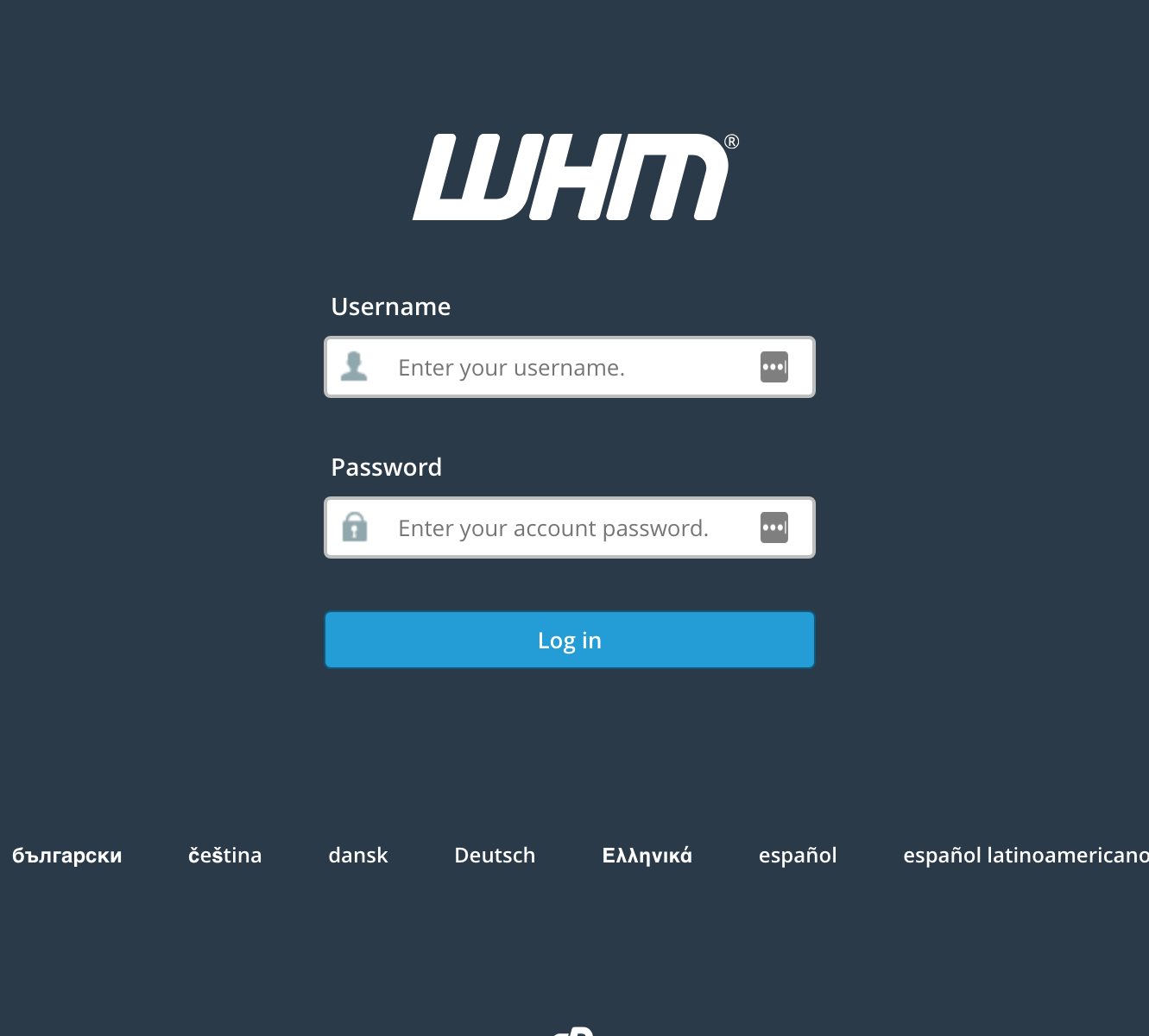
To log in, enter “root” as username and use your server root password. 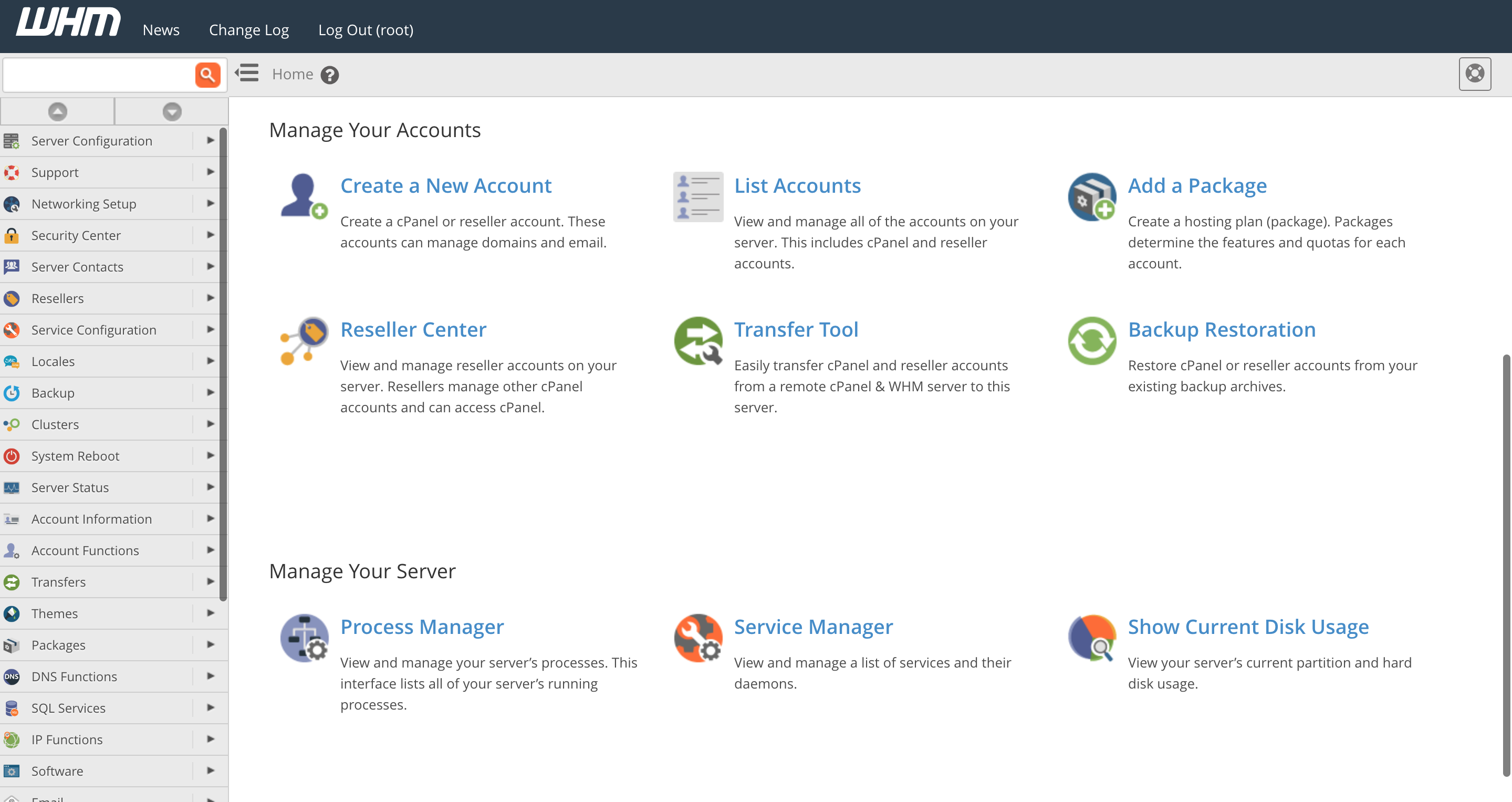
and navigate to https://your-server-ip:2083. Installation complete with successfully.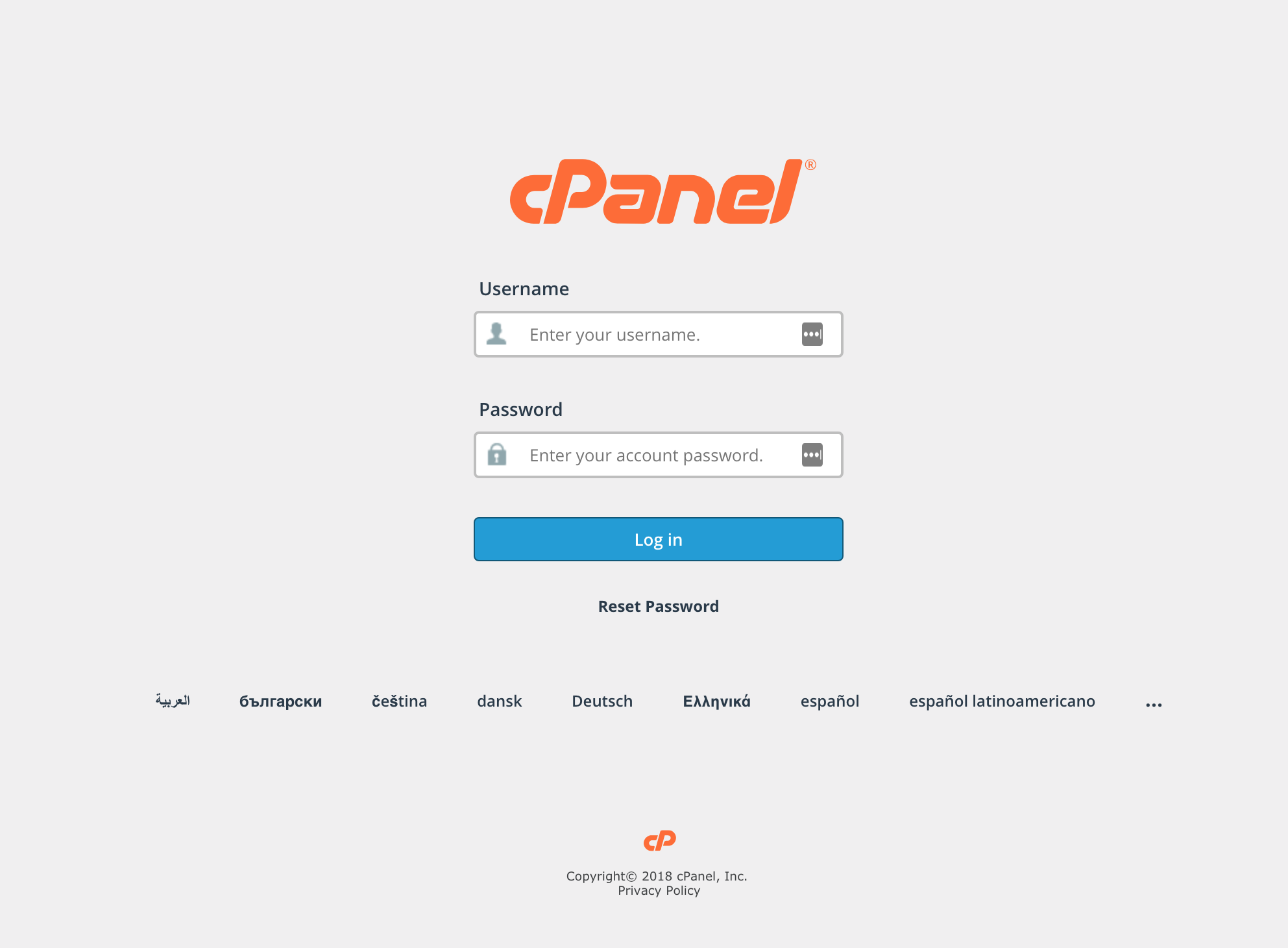
Peace out !